
Contents
Overview
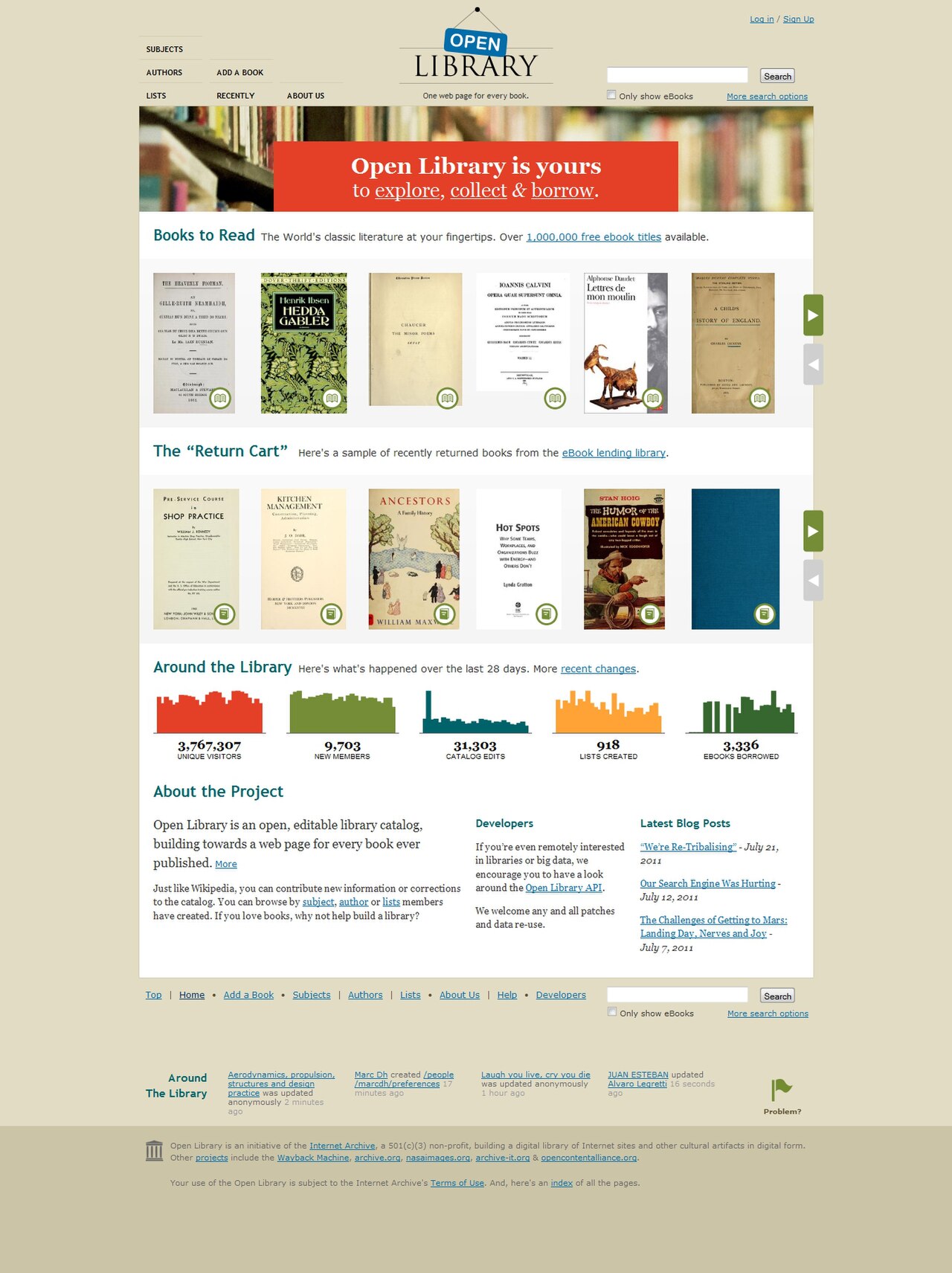
Open Library is an ambitious digital initiative aiming to catalog every book ever published, creating a unique web page for each. Born from the vision of Aaron Swartz, Brewster Kahle, and others, it operates under the umbrella of the Internet Archive, a renowned nonprofit dedicated to preserving digital history. This project seeks to provide free access to a vast collection of digitized books, making knowledge more accessible globally. It's more than just a catalog; it's a living repository that continues to grow with contributions and digitized materials.
🎯 Who is Open Library For?
This resource is invaluable for researchers, students, historians, and casual readers alike. If you're looking for out-of-print titles, public domain classics, or even in-print books available for borrowing, Open Library is a prime destination. It caters to anyone interested in exploring literary history, accessing rare texts, or simply finding their next read without the usual barriers of cost or availability. Its broad scope makes it a democratic tool for knowledge dissemination.
📚 Accessing the Collection
Accessing Open Library is straightforward via its website. You can browse by author, title, or subject, or use the powerful search function to find specific books. Many public domain works are available for immediate download in various formats like PDF, EPUB, and plain text. For in-print and other copyrighted materials, Open Library offers a digital lending model, allowing users to borrow books for a limited time, mimicking the experience of a physical library.
💡 Key Features & Functionality
A standout feature is the ability to contribute to the catalog, adding missing books or editing existing entries, fostering a community-driven approach to bibliographic data. The platform provides detailed information for each book, including author biographies, publication history, and reader reviews. Furthermore, its Optical Character Recognition allows for searchable text within scanned books, enhancing the usability of older or digitized texts.
💰 Pricing & Membership
Open Library is fundamentally a free service, aligning with the Internet Archive's mission of universal access to information. While the core collection is accessible without charge, the digital lending feature requires a free account. This account allows users to borrow up to 5 books at a time for a period of two weeks, renewable if there are no holds. There are no subscription fees or hidden costs associated with basic access and borrowing.
⚖️ Open Library vs. Other Digital Libraries
Compared to platforms like Google Books or Project Gutenberg, Open Library offers a unique blend of bibliographic cataloging and actual book lending. While Project Gutenberg focuses exclusively on public domain works for download, Open Library extends to in-print titles via its lending system. Google Books provides extensive previews and search capabilities but lacks the direct borrowing functionality for a wide range of titles that Open Library offers.
🚀 Tips for Using Open Library
To make the most of Open Library, create an account to enable borrowing. Utilize the advanced search filters to narrow down results by publication date, language, or format. Don't hesitate to explore the 'Community Books' section, where users can upload scans of books not yet in the archive, contributing to the collective knowledge base. Check back regularly, as new books are digitized and added to the collection frequently.
📞 Getting Started & Support
Getting started is as simple as visiting the Open Library website. To borrow books, you'll need to register for a free account. For technical assistance or questions about contributing, the Internet Archive provides extensive support documentation and community forums. You can also find information on their website regarding their mission and ongoing projects, including how to support their work through donations.
Key Facts
- Year
- 2007
- Origin
- Internet Archive
- Category
- Digital Archives & Libraries
- Type
- Digital Project/Archive
Frequently Asked Questions
Is Open Library completely free to use?
Yes, browsing the catalog and accessing public domain books is entirely free. The digital lending feature for in-print books also requires only a free account. This aligns with the Internet Archive's mission to provide universal access to information without cost barriers.
How many books can I borrow at once?
With a free Open Library account, you can typically borrow up to 5 books simultaneously. Each borrowed book can be kept for a period of two weeks, and renewals are often possible if no other users have placed holds on the title.
What kind of books can I find on Open Library?
Open Library aims to catalog every book ever published. You can find public domain classics, out-of-print titles, and even many in-print books available for digital borrowing. The collection spans a vast range of subjects and historical periods.
Can I contribute my own books to Open Library?
While you cannot directly upload copyrighted books for lending, you can contribute by adding metadata for missing books, editing existing entries, or potentially uploading scans of public domain works through the Internet Archive's broader digitization efforts. Community contributions are vital to the project's growth.
What formats are available for downloaded books?
For public domain books, Open Library typically offers multiple download formats, including PDF, EPUB, plain text (TXT), and sometimes Kindle-compatible formats (MOBI). The availability of formats can vary depending on the specific book.
How does the digital lending work?
Open Library uses a controlled digital lending model. When you borrow an in-print book, you are granted temporary access to a digital copy. This system aims to balance user access with copyright considerations, allowing borrowing for a limited time, similar to a physical library.